What you'll learn
- JPG file
- Raster
- Vector file
- Converting JPG to vector
JPG file
You may have never noticed or paid attention to it, but most images used on the internet have the JPG or PNG format. JPG (or JPEG) is a common file format for digital use and is often used on mobile devices or within web browsers. You often see this file format in digital photos. Fine quality and there's nothing wrong with it. But it can cause a problem if you want to have photos or illustrations printed. A printer can't do much with an image formatted as a JPG file. But why not? This is mainly due to the structure of the JPG image.
For small print work, such as business cards, a JPG can sometimes still be usable, provided the resolution is at least 300 DPI. However, as soon as the file needs to be enlarged for banners, signage, or billboards, a JPG is no longer suitable and a vector file is necessary.
Raster
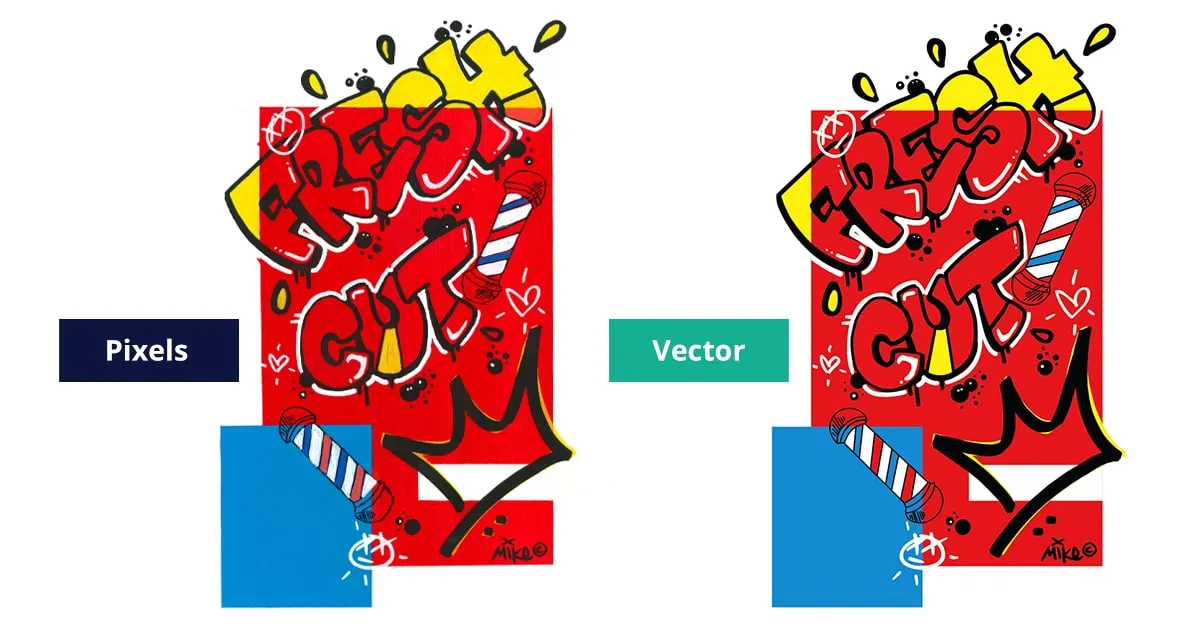
An image with the JPG file format is created as a raster and is built using pixels, small colored blocks that together form the image or photo. You'll see that as soon as a photo is enlarged, the pixels become visible and the resolution deteriorates. The image becomes 'blocky' and noticeable quality loss occurs.
If you want to use such an image on printed materials or billboards, for example, a JPG is not readily suitable. The file will need to be converted to a so-called vector file.
This applies particularly to applications such as vehicle lettering, company vehicles, sponsor boards, flags, banners, and other forms of large format printing.
But what is a vector file then? And how do you actually convert a JPG to a vector file? Keep reading because we'll give you all the answers so you don't have to search any further.
Vector file
Very simply put, a vector file is a file that you can enlarge infinitely and always stays sharp, regardless of size. A vector image is set up very differently from a JPG image. A vector image is built from lines, not pixels. These lines or paths have a start and end point (so-called anchor points). When a vector image is enlarged, the distance between the paths is recalculated. This makes a vector logo ideal when you want to use your logo at different sizes. Commonly used vector formats include:
- EPS vector file
- SVG file
- AI file
In the graphics industry and at print shops, the EPS file is a frequently requested format. Printers and sign companies can work with this directly and often explicitly prefer it.
A vector file is the collective name for various file formats created in different programs within a professional design studio or graphics studio. The most commonly used program is Adobe Illustrator. Other file formats such as EPS files are also widely used in the graphics industry.
Converting JPG to vector
In daily practice, we see that many submitted JPG files look good at first glance, but show quality loss immediately when enlarged for print work or signage. Especially with logos and illustrations, this regularly leads to production problems.
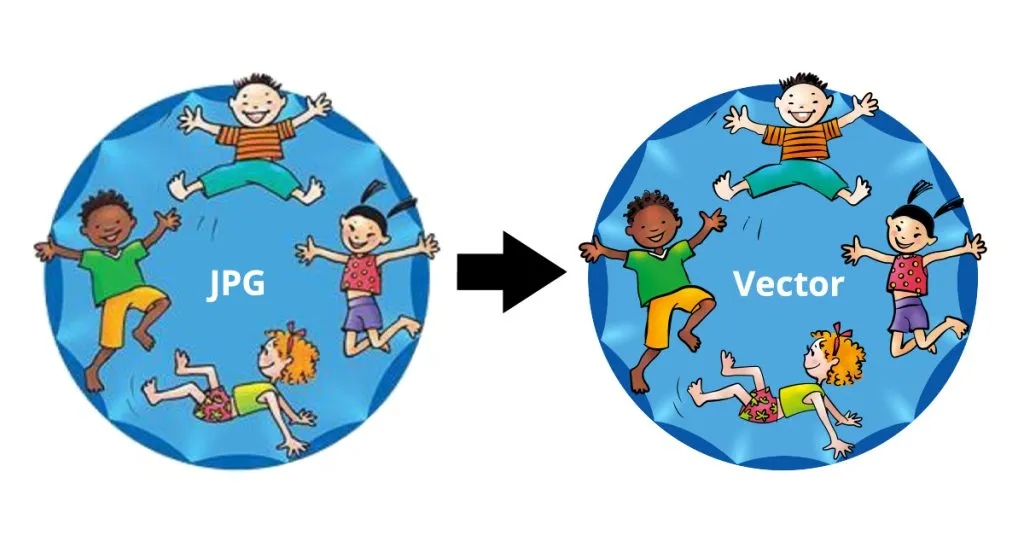
But how can you convert a JPG to a vector image? Let's make it clear right away that converting a JPG to a vector file is not simple work. When converting JPG to vector, an existing image is manually redrawn with vector paths. This approach ensures that logos and illustrations become suitable for print work, signage, and other applications where scalability is required.
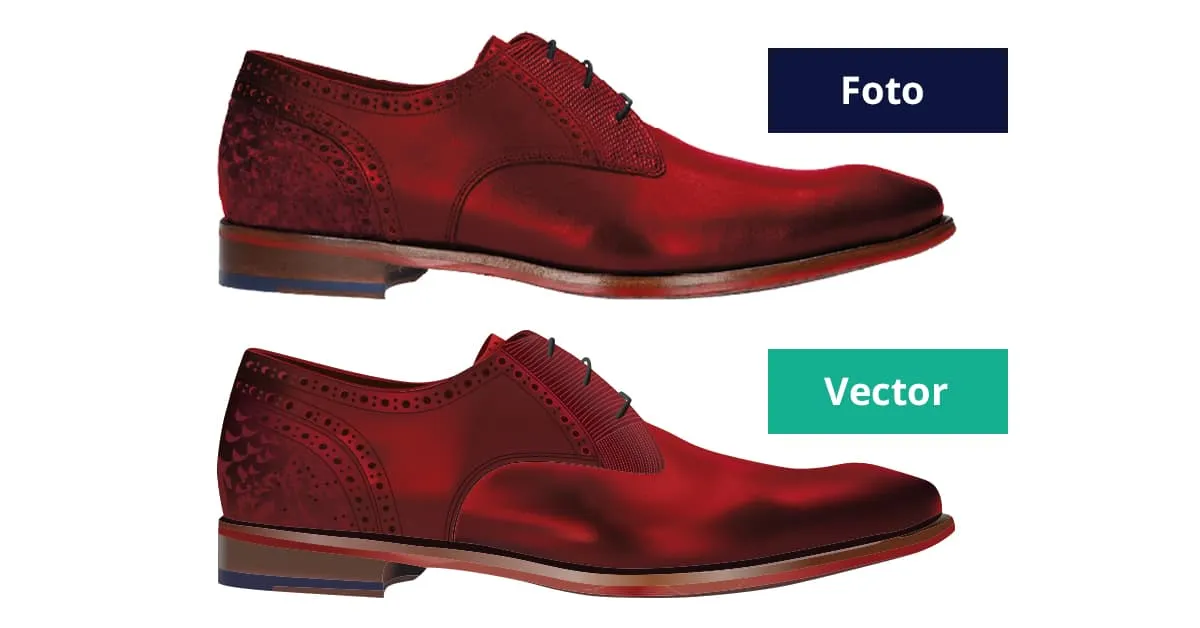
Not every JPG is suitable for conversion to vector. In general: the fewer details an image contains, the better the result. Logos and illustrations are generally well suited, while photos with many shadows, color gradients, and details are more difficult to vectorize.
If you want to have a document converted directly, you can easily upload your JPG from your computer or Google Drive via the form on the homepage.
No graphic knowledge
Don't have graphics programs and still want to have your JPG converted? There are online applications available where you can upload and then download a file. This is often offered at low cost, but the quality of the result is usually disappointing. When converting a JPG, we especially notice that automatic conversion has difficulty with color gradients, shadows, and small details. These elements are often inaccurately converted to paths, making the final result technically unsuitable for professional use.
Additionally, the free option is usually not 'very free' at all. If you want to have multiple files converted this way, you need to subscribe for a considerable monthly amount. What you definitely shouldn't do is save a JPG as, for example, an AI file and then think you have a vector file. You've adjusted the extension but the file format has remained the same, still a pixel image.
Specialized software
You could of course consider purchasing specialized software yourself to convert JPG to vector files. If you're considering that, you'll be in for a rude awakening - that software is certainly not free, as it often comes with expensive subscriptions. Additionally, software such as Adobe Illustrator or CorelDRAW is not easy to master. Various programs with which you can open, select, and process files require extensive knowledge. Without clear instructions and experience, processing is often complex and time-consuming. The learning curve is really very steep and requires quite some training and also many years of experience working with such packages.
Conversion by specialists
Save yourself a lot of frustration, time, and money and have files converted to vector by people who specialize in it. They execute every assignment manually and can guarantee the final result. Definitely don't choose the automated option as we just described. The result is actually always disappointing.
Anyone who wants to have a JPG file converted to an EPS or SVG will quickly find specialists with experience in print work and graphic production. Logo in Vector focuses specifically on this form of manual conversion. So have your graphic files converted by people with years of experience in the graphics industry. Then you know for sure it's done well and quickly. Within 24 hours you'll have the file you want in your email for a small, one-time investment.
In many cases, delivery within 24 hours is possible, even when the file is needed on the weekend.
Logo in Vector is a specialized company that manually converts JPG files to vector files for entrepreneurs and organizations who want to use their logo or illustration professionally. We specialize in manually converting graphic files to vector format and work daily with logos and illustrations intended for print work, advertising, and digital applications. Through this focus, we know exactly what print shops and production companies look for. Everything is done and checked manually, so the vector file is technically correct and can be used without problems for further production. This makes the result reliable and immediately usable.
On our order page, you can easily indicate which file you want to have converted and what the vector file will be used for.
Feel free to contact the people at Logo in Vector, we're happy to help you further.
Want to order directly?
Want to convert a logo right away? You can easily do so via our homepage.
Order now