Convert JPG to Vector: EPS, SVG, AI
Learn how to convert a JPG file to vector format. Printers often request vector files instead of JPG for the best quality.

Vector drawing
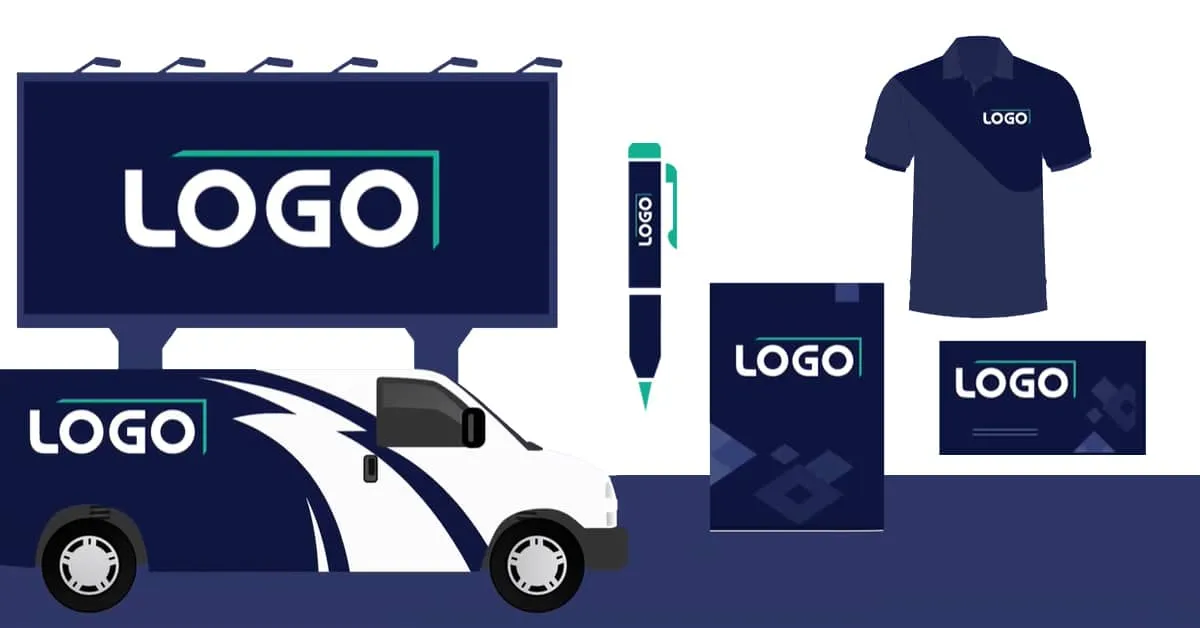
Discover the importance of quality files for your logo and business presentations. Why printers need specific file types.
Convert EPS file to JPG
Guide for converting EPS files to JPG format. Learn about the different file types in the graphics industry.
What is an EPS file?
Explanation of the EPS file format and its applications for professional printing and signage.

Create an EPS File for Your Designs
Learn how to create EPS files for advertising and promotional purposes across different media.

EPS Format Explained
Everything about file formats and how different file types are stored. Focus on the EPS format for design and print.

What is a vector file?
Why do printers ask for vector files? Get answers to frequently asked questions about vector file formats.

EPS Logo Explained
Converting logos to EPS format for professional use and corporate branding applications.

Create an AI File for Your Designs
The importance of AI files for marketing purposes and enlarging images without quality loss.

What Is an AI File?
Everything about AI files created in Adobe Illustrator and their use by graphic designers and technical illustrators.

What Is an EPS File?
Complete guide to EPS files: what are they, how do they work and when do you use them.

Vector File Format Explained
Everything you need to know about vector files and why they are essential for professional printing.

Vectorization: What It Is & How It Works
What is vectorization and how does it work? Learn how raster images are converted to crisp vectors, perfect for print and signage.

Vectors in Graphic Design
Explanation of vectors in graphic design: the foundation of scalable images.

What Is a Vector Image?
What is a vector image and how does it differ from a raster image? Discover the advantages.

Create a vector image
Step-by-step guide to creating vector images for professional use. Delivered within 24 hours.

Buy a Vector File for Your Marketing
Why buying vector files is essential for your marketing activities. Get yours within 24 hours.
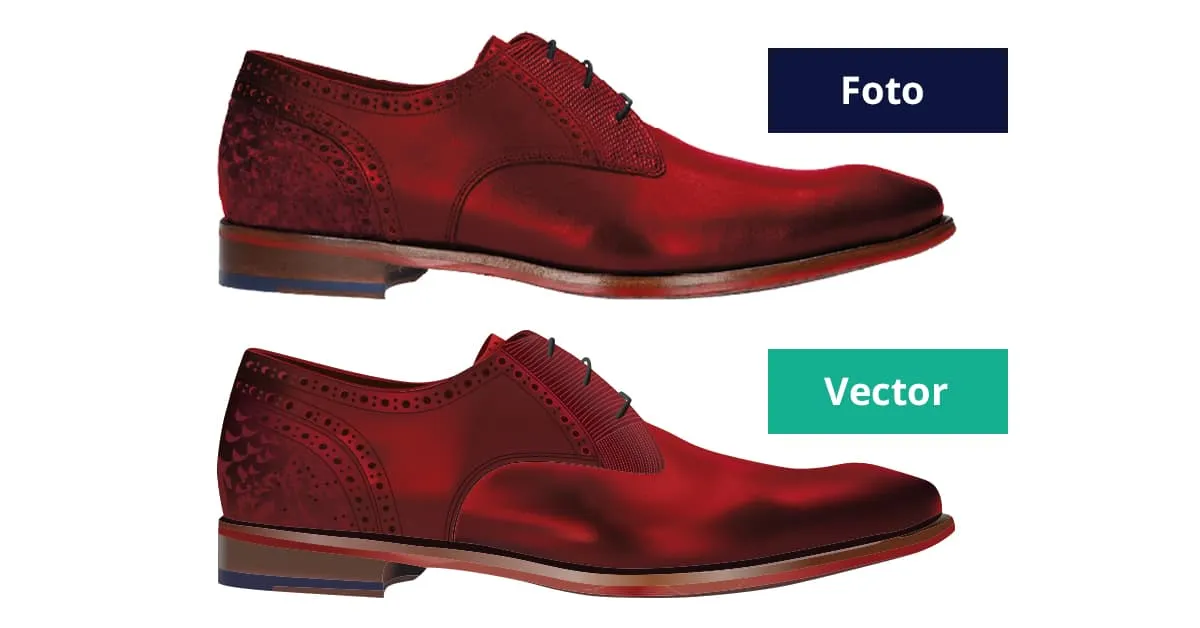
Have your logo converted from JPG to EPS
Professional service for converting your JPG logo to a high-quality EPS file.

From JPG to EPS, from pixel to vector file
The difference between pixel files and vector files, and how to make the conversion.

Create an EPS Logo: Benefits & Options
Discover all the possibilities an EPS logo offers for your business and marketing.

Create vector file
Creating a vector file from a JPG or PNG should be done professionally. We convert your file manually to vector.

Convert photo to drawing
Want to convert a photo to a drawing so you can enlarge it without quality loss? Read about the possibilities here.
Have EPS file made
For all your advertising purposes you need an EPS file. An EPS contains vectors that make it possible to enlarge your logo infinitely.

AI files - infinitely enlargeable
AI files are working files from Adobe Illustrator consisting of vectors. This makes the vector file infinitely enlargeable without quality loss.

Vectorize a File: How It Works & Why It Matters
Prevent quality loss and have your file vectorized. A vector file can be infinitely enlarged without losing sharpness – ideal for print and signage.

Digitize drawing
When you have your drawing digitized, it can be infinitely enlarged without quality loss. See the possibilities here!

Digitize illustration
When you have your illustration digitized, you can use it for all your promotional purposes. It is infinitely scalable!

Convert image to vector
Infinitely enlarge without quality loss? Have your image converted to vector! Professional and manual within 24 hours.

Convert Logo to Vector: Professional Vectorization
Convert your logo to vector format (EPS, PDF, AI, SVG). Manually traced by professionals, delivered within 24 hours with quality guarantee.

Have vector file made
Want to make your logo suitable for advertising purposes? Have your logo manually converted to vector within 24 hours.

Manual logo conversion
Logo in Vector specializes in manually converting pixel files to vector format. Quality guaranteed within 24 hours.

Free PNG file
Your logo manually converted to the vector files EPS, PDF, AI and SVG. Plus you receive a free PNG file for digital purposes.
Free JPG file
We manually trace logos and deliver the vector files EPS, PDF, AI and SVG. Plus we deliver a free JPG file.

What are vectors?
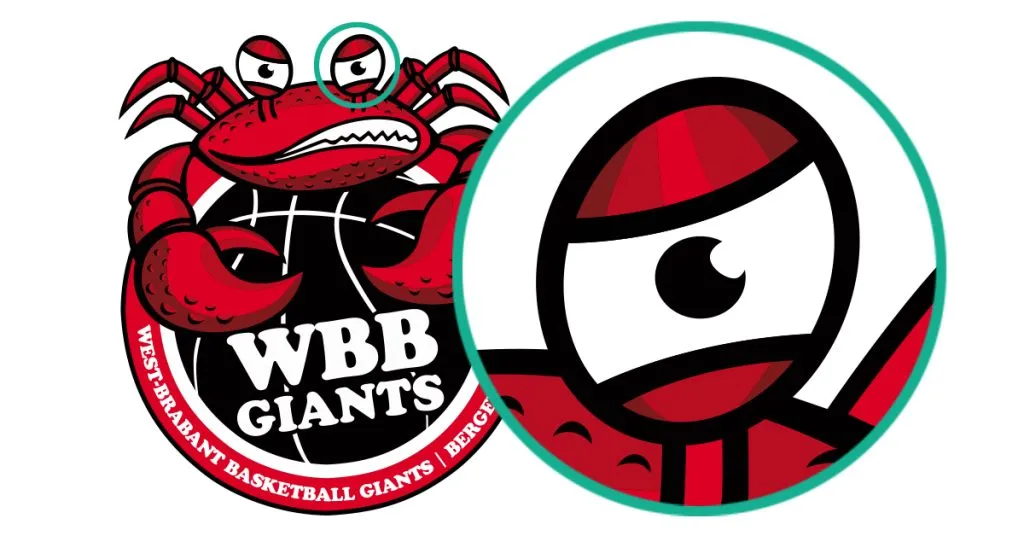
Vectors are files consisting of lines and anchor points. Infinitely enlargeable, ideal for all your advertising purposes.
What are pixels?
Pixel files consist of colored dots that together form an image. Enlarging these files results in a blurry and blocky image.

What is vector?
Vector files are made up of lines and anchor points and can therefore be infinitely enlarged without quality loss.

Vector Files: Types and Uses
We manually convert pixel logos to vector files for just €44.95. Infinitely scalable, ideal for promotional purposes.
Difference between vector and pixels
A vector file can be scaled indefinitely without quality loss, unlike a pixel file.

Manual or automatic conversion?
Manual vectorization produces much better results. Automatic vectorization often misses details and doesn't give the exact result.

Digitize logo
Make your logo suitable for all your advertising purposes? Then have your logo digitized. We deliver within 24 hours. 100% quality guarantee.

How to Create a Vector File: Step-by-Step Guide
Learn how to create a vector file for professional use. From software options to professional conversion services – everything you need to know.

Why Logo in Vector?
Logo in Vector offers you 100% satisfaction guarantee & quality guarantee, speed and top service. Within 24 hours, even on weekends!