What you'll learn
- Vectors
- Not a single file
- Difference from a pixel file
- Recognizing a vector file
Vectors
A vector file is, unlike a pixel file, built from so-called vectors. But what are vectors exactly, you undoubtedly wonder. The vectors in such a file or image are actually lines that are connected to each other by so-called anchor points.
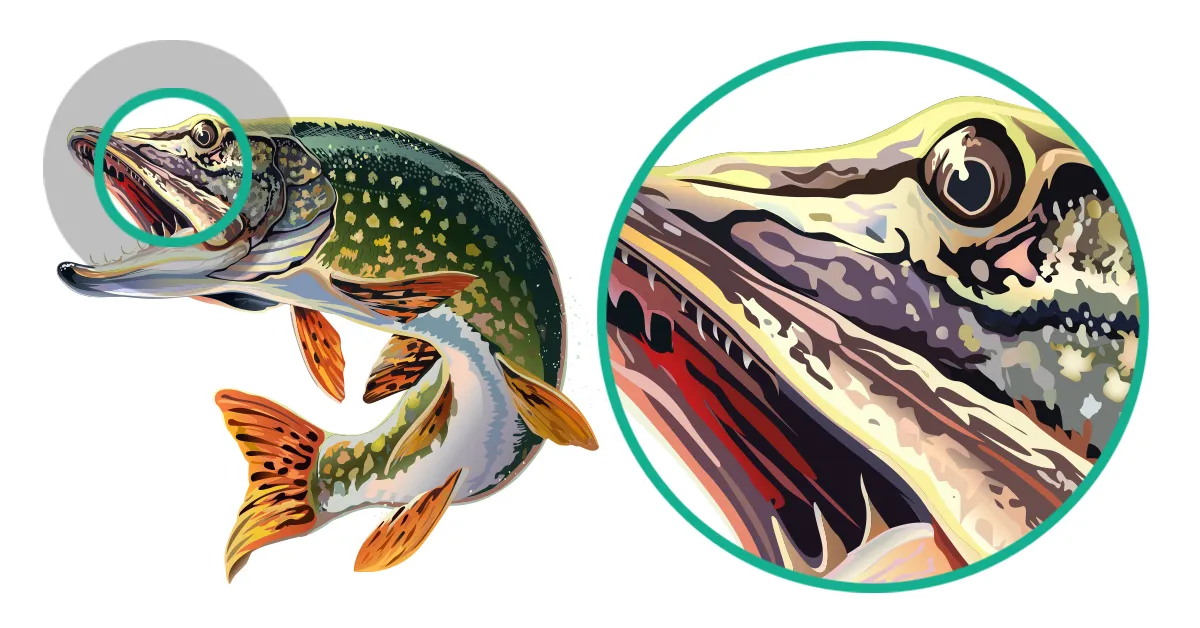
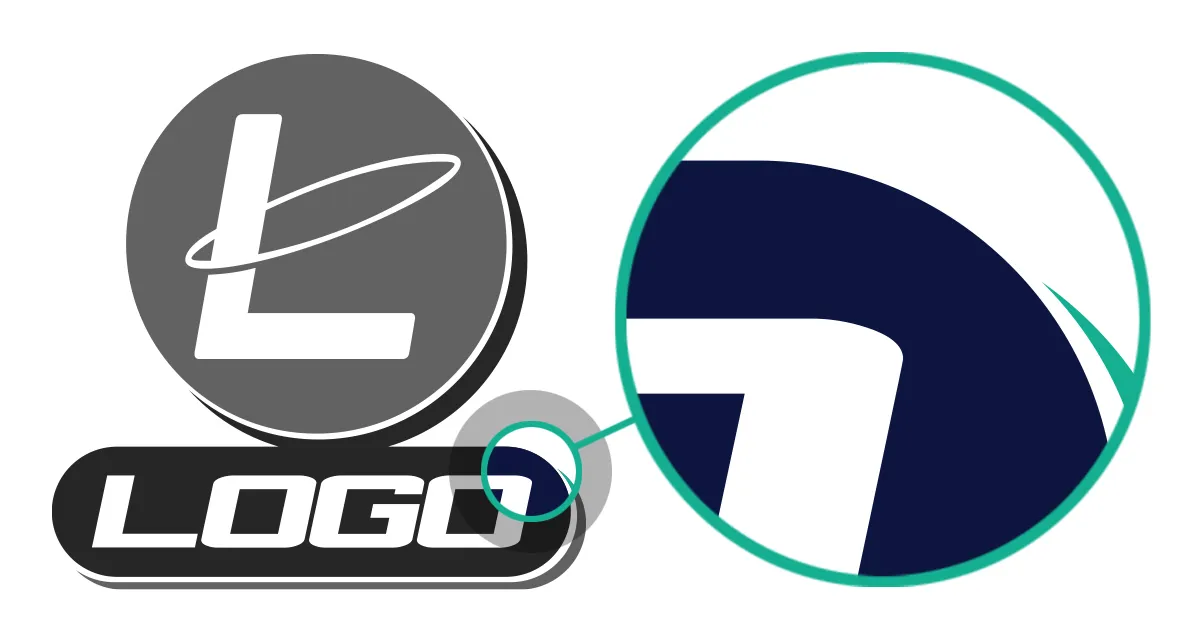
By creating an image in this way, the proportions always remain equal, no matter how large or small you make the image. And because of this, the image in question always remains razor-sharp in quality. Handy for print work such as flyers, posters, printing on clothing, banners, signs, and lettering on vehicles, for example.
When a vector file is enlarged, the distance between the anchor points is recalculated and then adjusted in the correct proportions. This way, an image formatted as a vector file can be infinitely enlarged without any quality loss.
Such an image is therefore, as we mentioned earlier, built from various geometric objects. You can think of polygons, lines, and also curves. More complex shapes in such an image are created by a combination of these shapes. And the image itself is described by the mathematical formulas of these objects. Perhaps a difficult story, but because of this, a vector file can be enlarged to any desired format.
Not a single file
As we just mentioned, a vector file is not a single file. It's actually the collective name for the way the file in question is saved and structured. Perhaps the most well-known program with which you can create vector files is Adobe Illustrator. You save a file you create with vectors as an AI file, but it's a vector file because it's built from vectors.
Difference from a pixel file
We just talked about a pixel file. But what's the difference between a pixel file and a vector file? The biggest, directly noticeable difference between a vector and a pixel file is that a pixel file cannot be enlarged indefinitely. If you want to enlarge a pixel file for, for example, a poster, or even larger: a banner, it will become blurry and clearly lose quality. With a pixel file, at some point you'll clearly see the pixels, the image itself becomes somewhat blockier. Furthermore, you can recognize a pixel file by, besides the loss of quality when you enlarge it, the extension of the file name. Commonly used extensions for pixel files, for example, are .jpg and .png.
Recognizing a vector file
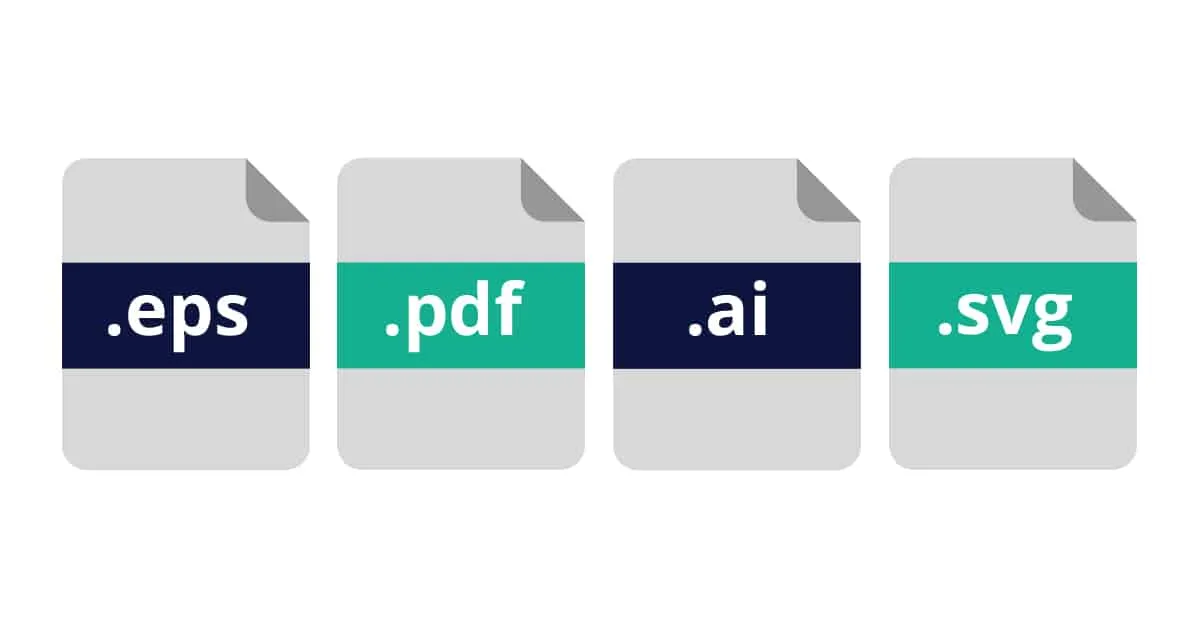
Recognizing a vector file is fairly simple. You can quickly recognize such a file by the extension after the file name. Usually, the extension is related to the program in which the file in question was created. For example, Adobe Illustrator is a commonly used program in this context. If a vector file was created in Adobe Illustrator, it will be saved by default as .ai. However, vector files can also be saved as .eps and .pdf files. Other extensions you may encounter are .svg, .cdr, and .cgm. SVG in this case stands for Scalable Vector Graphic, CDR stands for CorelDraw, and the last, CGM, stands for Computer Graphics Metafile.
Creating a vector file yourself
It's possible to create a vector file from a pixel file yourself, provided you have the right software and knowledge. You can do that yourself with a program like Adobe Illustrator. However, this is paid software. There are more programs available for this, but you also have to pay for these. It is the case that when you're going to 'vectorize' an image (converting a pixel file to a vector file), you have to do that entirely by hand. You basically trace the image and then color it in again. And that can be quite a difficult and time-consuming job, especially if you've never or not often worked with a package like Adobe Illustrator. And, especially in the beginning, you'll have to go through the entire result and further refine it by hand.
There are also fully automatic online services that convert your image to a vector file for you, but often these are also not free and the result is not always immediately of high quality. Here you'll always have to go through the final result yourself to see if everything has been delivered correctly and meets your quality requirements. In Adobe Illustrator, there's also an option to have your logo automatically converted to a vector. However, the quality is often shocking. It's therefore not recommended to work with parties that offer such automatic conversions. The price is often very attractive, actually too good to be true. And unfortunately, in most cases, that's the case.
Vector file for print work
If you want to have print work made, have clothing printed or embroidered, have one or more cars fitted with lettering, or have your business premises fitted with indoor and outdoor advertising, you'll always have to deliver a vector file to the relevant print shop or sign company. As we mentioned earlier, your logo in pixels is unfortunately not suitable for these purposes.
To provide you with a vector file, there are actually three options you can consider.
1. Tracing your pixel file yourself. As explained, you need to have the right software and the right knowledge and experience for this. 2. Having your file automatically vectorized. This is and remains a gamble. There's no way to determine in advance what the quality of your logo will look like. In most cases, this is often quite disappointing. 3. You can have your logo vectorized by a specialized company like Logo in Vector. Logo in Vector manually traces your logo within 24 hours (including weekends) at a competitive rate. 100% quality guarantee and 100% satisfaction guarantee are guaranteed.
Want to order directly?
Want to convert a logo right away? You can easily do so via our homepage.
Order now