Convert EPS to JPG
Which file is most suitable for which purpose depends on the file itself and the goal for which you want to use it. For example, an EPS file (if it's a vector file) can be perfectly suitable for print work such as banners, flags, larger billboards, and lettering on storefronts or cars and buses.
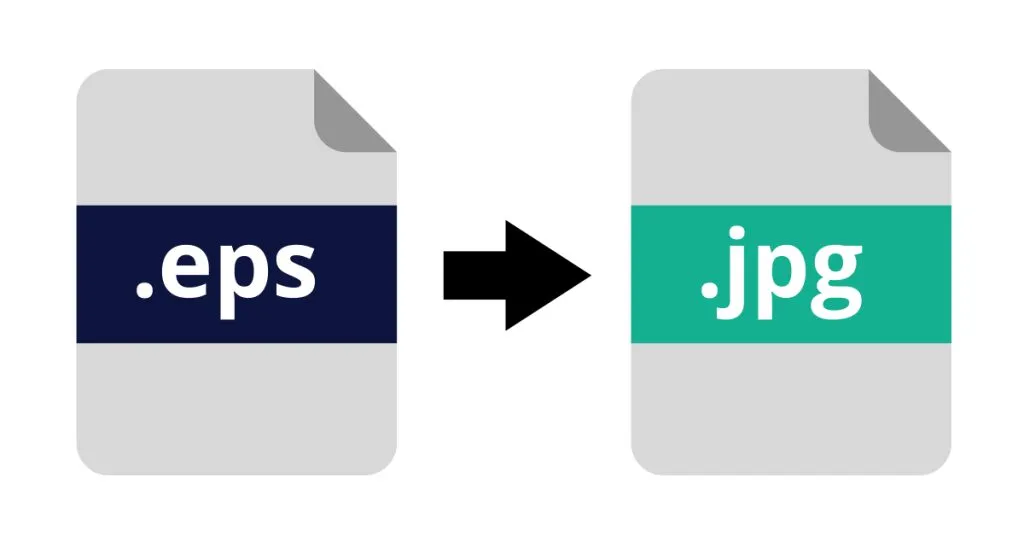
But do you want to use this file in a program like Word or PowerPoint? Or do you want to use files on your website? Then you can't do much with an EPS file, you need a so-called JPG file instead. So if you have an EPS file that you want to use for your website, for example, you need to have it converted to JPG.
However, if you want to convert a JPG file to an EPS file, read more on this page.
What is an EPS file
Let's first consider the question, what is an EPS file? The abbreviation EPS stands for Encapsulated PostScript and is a file format invented by Adobe.
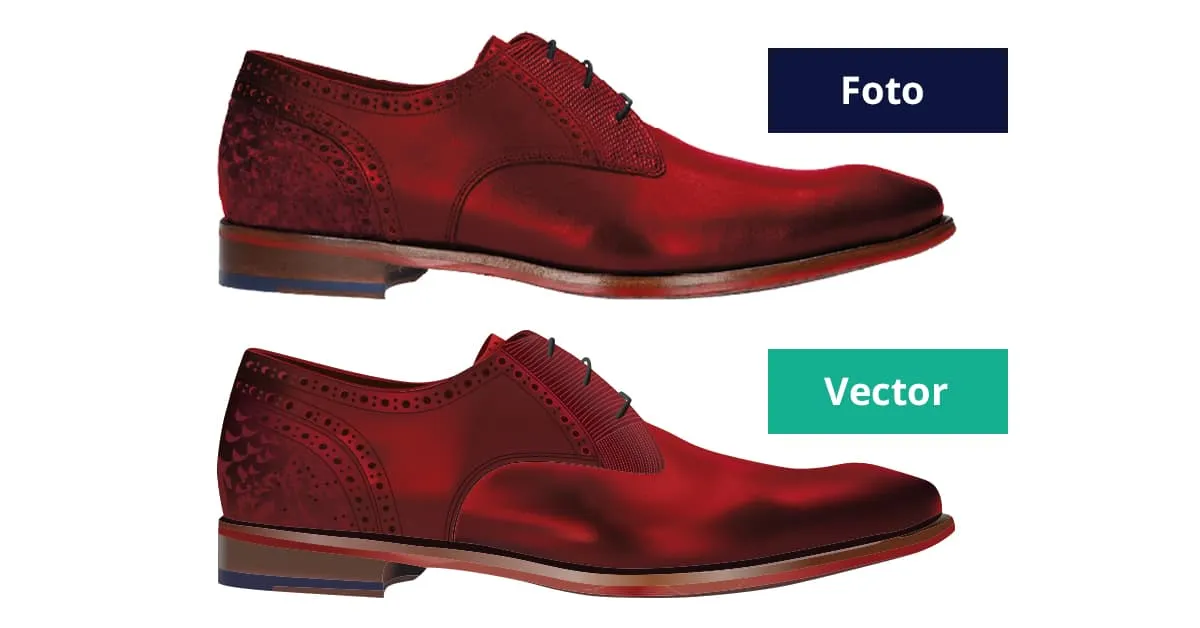
An EPS file is sometimes also called a vector file because such a file is built from vectors. An EPS file is suitable for having larger advertising materials printed, but cannot be used in PowerPoint, Word, your website, or social media.
For online use, you need a JPG file and EPS is therefore not suitable for this. If you regularly work in Microsoft Office programs (Word, PowerPoint, and similar), you'd better convert the EPS file to a JPG file. At Logo in Vector, we deliver both file types, so you're taken care of and have the right file type for any purpose.
Saving as JPG file
Do you want to have an EPS file converted to a JPG file? Then there's one method that definitely won't work, but we still see happening. Some people simply change the file extension. The extension of a file is the three letters after the file name, so for example photo.jpg. If you change the extension from photo.eps to photo.jpg, nothing will change, the file format stays the same and you still can't use it for your online purposes.
Checking the image
Do you want to check whether the image you have is a pixel file or a vector file? There's a fairly simple way to do this, provided you have the right software available to open an EPS file. This can be done with Adobe Photoshop and Adobe Illustrator, among others.
Once you've opened the EPS file, zoom in on the image and if you see that the image becomes blocky and blurry, you can be sure you have a pixel image. The blocks you see are the pixels from which the image is built.
Does the image stay clear and sharp? Then you have a vector image at your disposal.
Converting to JPG
Do you have an image or images that you want to use on your website, for example? Then you first need to make sure your image is a JPG file. We now know that an EPS file cannot be used for digital purposes. If you have an EPS file that needs to be converted to a JPG file for that reason, use our services, and within 48 hours you'll have a file that's usable for all your purposes.
Small investment
Do you have a graphic file that you want to use for multiple purposes, print and digital? Then it's advisable to have the conversion done by specialists. Designers with years of experience in the graphics industry like us at Logo in Vector.
We convert your logo, illustration, family crest, or digital photos to the file formats you want. We offer a fair and sharp price and deliver lightning fast, within 48 hours! We offer a 100% satisfaction guarantee, ensuring that all your file types meet the right quality, whether it's an EPS or a JPG file.
You always receive your images back in the vector files PDF, AI, EPS, and SVG. In addition, you receive a JPG and PNG file from us that you can use for your digital purposes such as your website and social media. At Logo in Vector, we make sure you have access to all the necessary file formats so you can look good in every way.
Do you have questions or want to know more about the services of Logo in Vector? Feel free to contact us, we're happy to help you.
Want to order directly?
Want to convert a logo right away? You can easily do so via our order page.