What you'll learn
- What is a vector file?
- A pixel file
- How do you recognize a vector file?
- Creating a vector file yourself
What is a vector file?
Along the highway, you sometimes see those enormous signs with the logo of a well-known company or a well-known organization. You can assume that that logo was once delivered as a vector file to a sign company that made the billboard in question. In fact, a vector file is an image that can truly be infinitely enlarged without any form of quality loss. Handy when having such billboards or sponsor boards printed, for example.
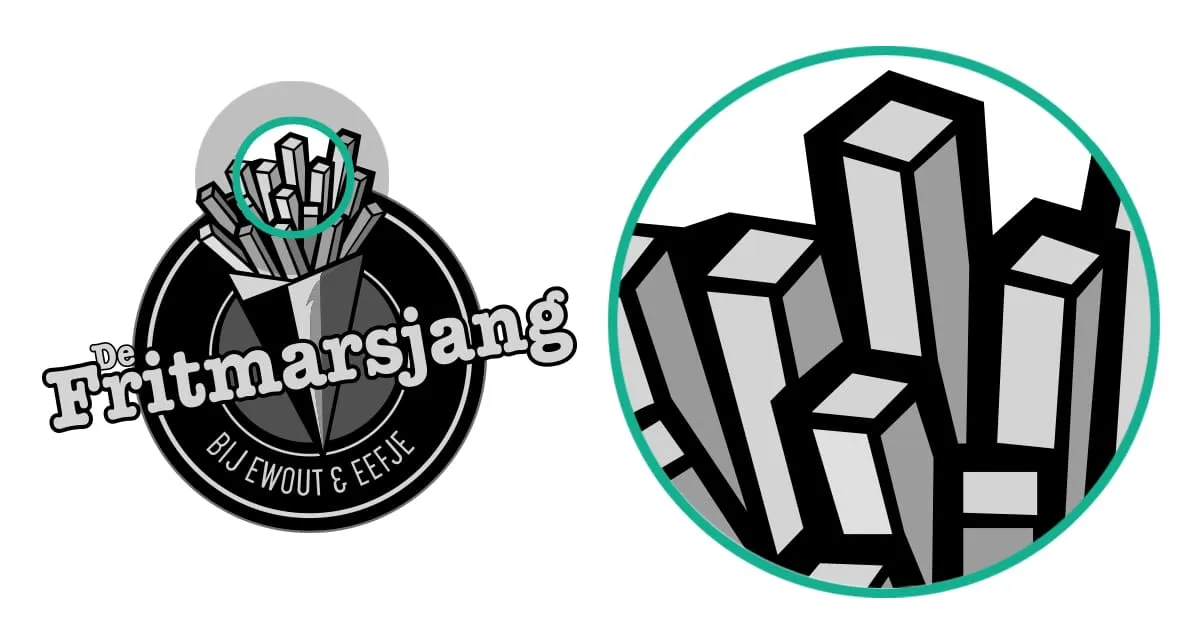
An image saved as a vector file is built from so-called paths. The paths consist of anchor points; a start and an end point with a line or curve between those two points. When a print shop, print, or sign company enlarges the vector file, the distance between those two points is recalculated. Then the image is automatically adjusted in the correct proportions and the paths are filled again with the corresponding colors.
This way, a printer can infinitely enlarge the image you delivered without any quality loss. That's why it's so important that you always deliver a vector file to the relevant companies of what you want to have printed.
A pixel file
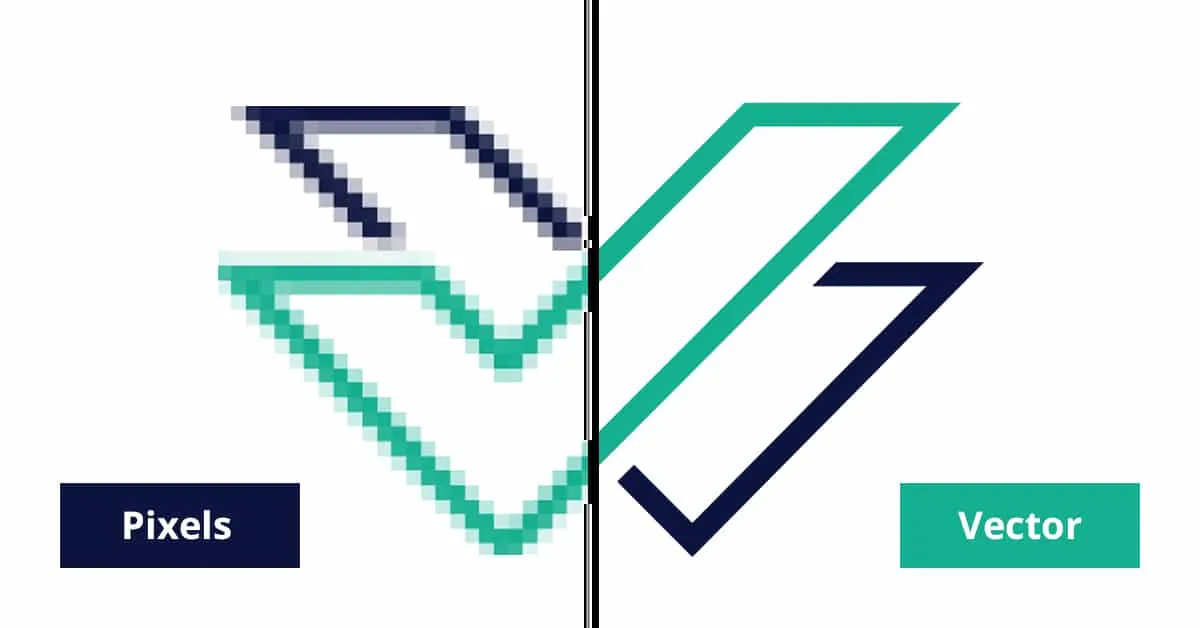
There are also so-called pixel files, which concerns most images you see on the internet, for example. But what's the difference between a vector file and a pixel file? We now know that a vector file, simply put, consists of points and lines. Because of this, a vector can be infinitely enlarged. If you have a logo that is saved as a pixel file, for example, that becomes a very different story. In fact, a pixel file consists of a lot of colored dots that together form the image or illustration. If you want to enlarge such a file, it becomes a blurry and blocky image. You also recognize a pixel file, just like a vector file, by the extension. A pixel file can have the following extensions: PSD, GIF, BMP, JPEG, JPG, and PNG.
If you as a company want to look good with your logo or illustration, it's important that a vector file is made of it. Creating a vector file is therefore ultimately what we want, but how do we actually recognize a vector file?
How do you recognize a vector file?
How do you see, if you have no or not much experience in graphic design, what a vector file is? That can basically be done in the same way as we described for a pixel file. Here too, you can usually tell by the extension whether a file is a vector file. A vector file can have the following extensions, for example: AI, SVG, or EPS. If you have a logo that is formatted as a vector file in Adobe Illustrator, for example, the file name with the extension can look like this: logo.ai. AI in this case stands for Adobe Illustrator.
But watch out, there are a number of pitfalls. An EPS and AI file can in rare cases also contain pixel files. So in theory, you can load a pixel file and export it as an AI or EPS file. You won't be the first to 'fall for' this. To really know for sure whether it's a vector file, this needs to be checked in software like Adobe Illustrator.
Finally, a PDF file can also contain both a pixel and vector file. This is a fairly general and commonly used file type. To be sure whether it contains a pixel or vector, this file also needs to be checked.
Creating a vector file yourself
Do you have a logo, illustration, or drawing that you want to use for business purposes? Then you'll have to deliver a vector file to the printer. Unfortunately, it's not just a matter of saving the file in question with the extension AI, EPS, or PDF as just mentioned. That unfortunately won't work. The file in question simply remains a so-called pixel file and is therefore still not a vector file. You'll see this when you open the file and enlarge it. The image loses quality, because the image is still built from pixels and not from lines.
Do it yourself then?
You could of course try to do that completely yourself. If you have the right software, the knowledge, plenty of time, and it fits within your budget, you could of course give it a try. There are professional software packages like Adobe Illustrator with which the graphic specialists manually convert your logo to a vector file.
You read it correctly, the image from which a vector file needs to be made, you need to trace entirely by hand in a package like Adobe Illustrator. And that's not just a job you master in an afternoon. Additionally, a package like Adobe Illustrator is not very intuitive to use and you'll have to invest quite a few hours to get the hang of creating a vector file with Illustrator.
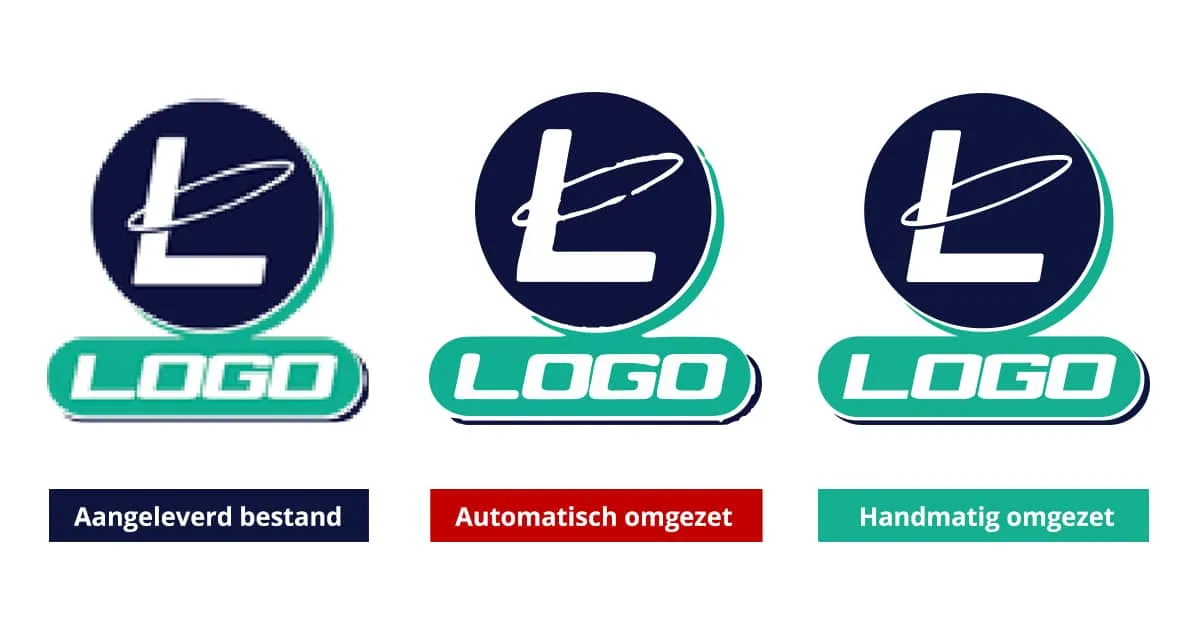
There are of course also websites and apps that automatically let you create a vector file, but in that process the final check and the meticulousness of the manual work is missing. What you ultimately get won't always be equally good or meet your quality requirements. Creating a vector file is, as we just mentioned, actually work that can best be done by hand. It's careful and time-consuming work and, once the file has been converted, it will also need to be checked by hand. Actually, automatically creating a vector file is not recommended for those reasons.
Having a vector file made
In short, if you have a logo, illustration, or drawing from which you want to have a vector file made, you can best outsource that. There are specialized companies that can deliver a razor-sharp vector file of your logo, illustration, or drawing within 24 hours. And at very competitive rates. Like Logo in Vector, our specialists have years of experience in the graphics industry and besides delivering quality, they also value delivering service. A satisfied customer is the ultimate crown on the work for Logo in Vector. Also check our guide on converting JPG to vector or read how to create a vector file.
Want to order directly?
Want to convert a logo right away? You can easily do so via our homepage.
Order now