What you'll learn
- Digitize illustration for printing
- How to digitize an illustration?
- Digitizing an illustration for print
- Why you'd better outsource digitizing your illustration
Digitize illustration for printing
For quite a few private individuals and companies, they have had an illustration made. There's a chance that you then want to use this expression in large format for, for example, an advertising campaign. The image can then be placed in flyers, posters, banners, and on company vehicles, for example. When digitizing an illustration, the purpose for which this needs to happen must always be taken into account. A pixel file, for example, is perfect for digital graphic purposes, but is not suitable for print work. Would you like to digitize an illustration to then be able to use it for marketing purposes? Then you'd do well to take into account the information we've gathered for you here on this page.
How to digitize an illustration?
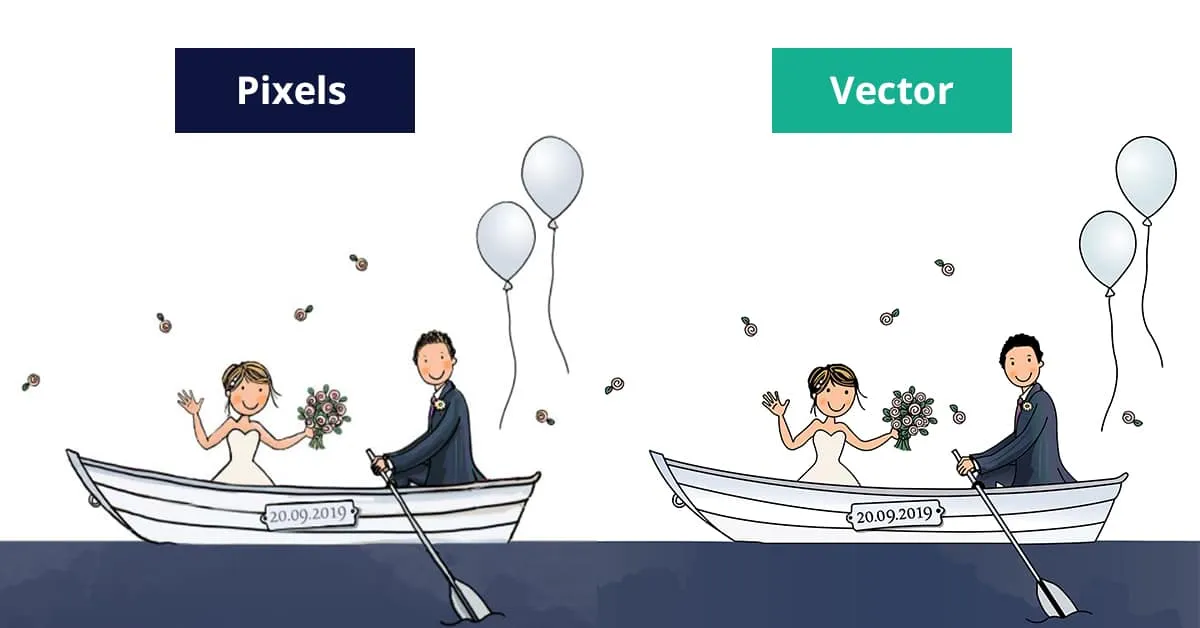
When digitizing an illustration, you'll find that a distinction is made between two different types of files. Initially, there are the graphic files consisting of pixels. These have the file format JPG or for example PNG. For these files, they beautifully display an image, but are only usable for digital graphic purposes. Do you want to be able to use the file for print work? Then you'll need to have a so-called vector file. This is then, for example, an EPS or an AI file.
Digitizing an illustration for print
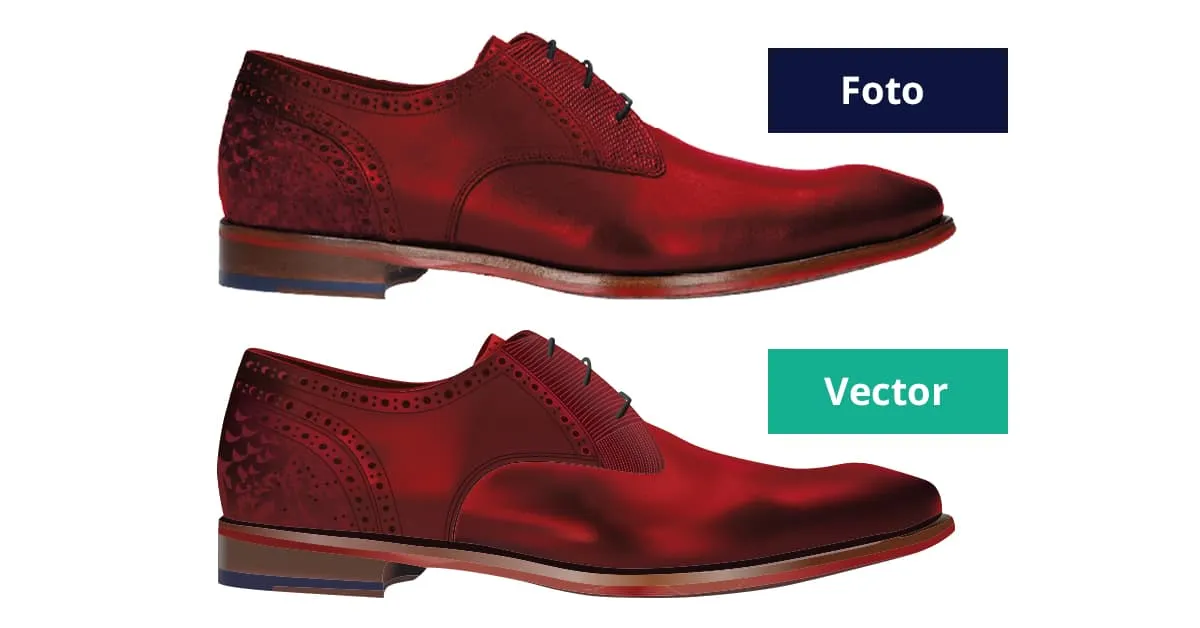
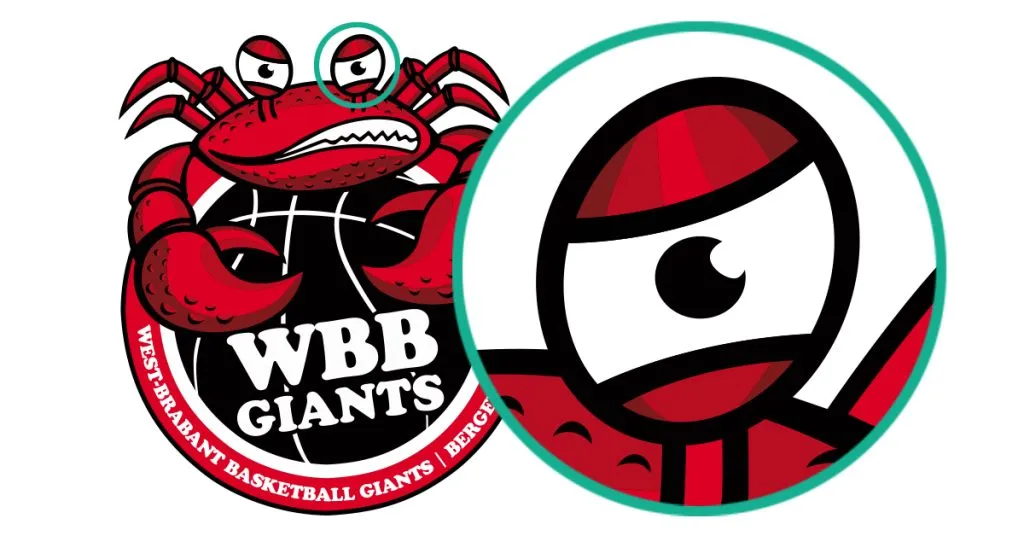
When you already have a JPG or PNG file, you'll find that these files are not suitable for print work. With these file formats, it's therefore impossible for a printer to enlarge the image without quality loss occurring. This is the result of the fact that the image is completely built from pixels. We can digitize your illustration in a vector file format so the file consists of a combination of lines and anchor points. This makes it possible to scale the image to a considerable size without any quality loss.
Why you'd better outsource digitizing your illustration
Initially, digitizing an illustration seems like child's play. This also applies to converting a pixel file to a vector file. Many companies simply open their JPG or PNG in a program like Illustrator and then save them as an AI or EPS file. That all seems very simple, only this doesn't change the structure of the file. In other words, a pixel file also remains a pixel file after exporting as an AI or EPS file.
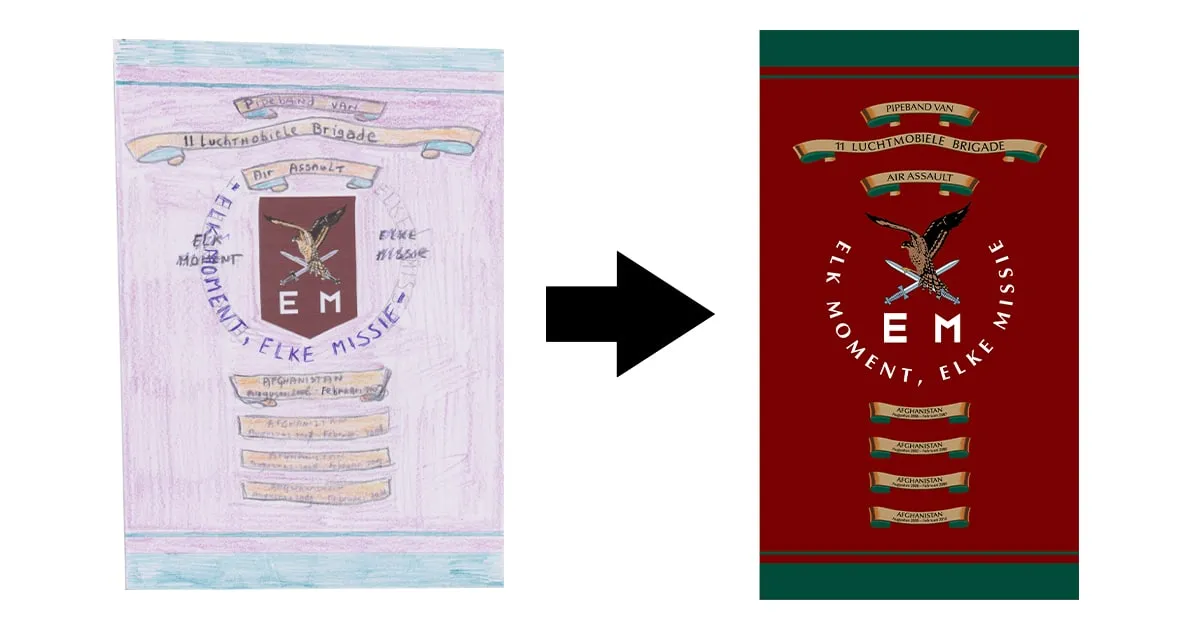
Our method is completely different. We ensure the manual conversion of your graphic file to a vector file. Once we've done this, you'll receive various files from us. These are the vector files: AI, EPS, and PDF files, but we also deliver the digital files JPG and PNG completely free of charge. This way, you'll have access to all required files in one go, regardless of the purpose for which you want to use them. Do you quickly need a vector file? That's no problem at all! We can digitize your illustration within a period of just 24 hours!
Want to order directly?
Want to convert a logo right away? You can easily do so via our homepage.
Order now